
Welcome to PowerRouter Help Center
Create your First Team
In this article, you will understand how to create your first team.
Steps to Create your First Team:
- Click on the App Launcher in Salesforce.
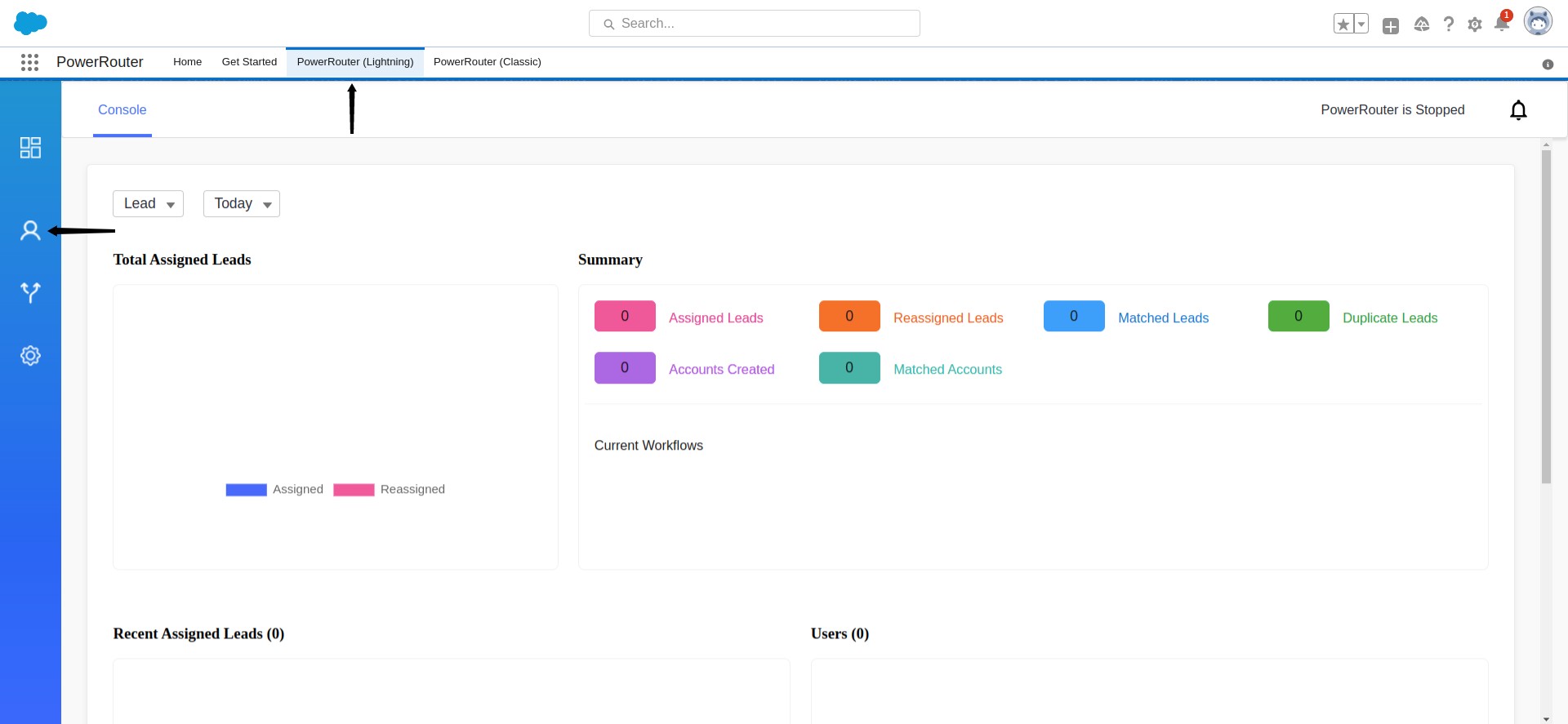
- Search for PowerRouter in the Search Bar. Click on the PowerRouter. This opens up the PowerRouter App. Click on the PowerRouter(Lightning).
- To create a team, click on the People icon.
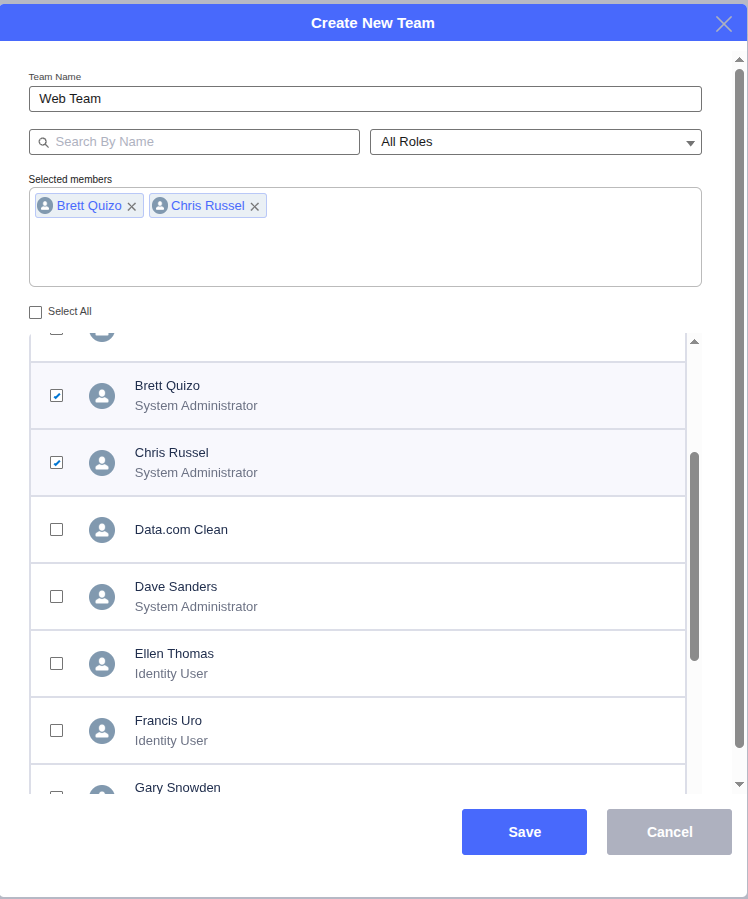
- Click on the Get Started. This opens up the Create New Team box. Type the team name and select the members for the team by checking the checkbox beside the name of the user. Click save.
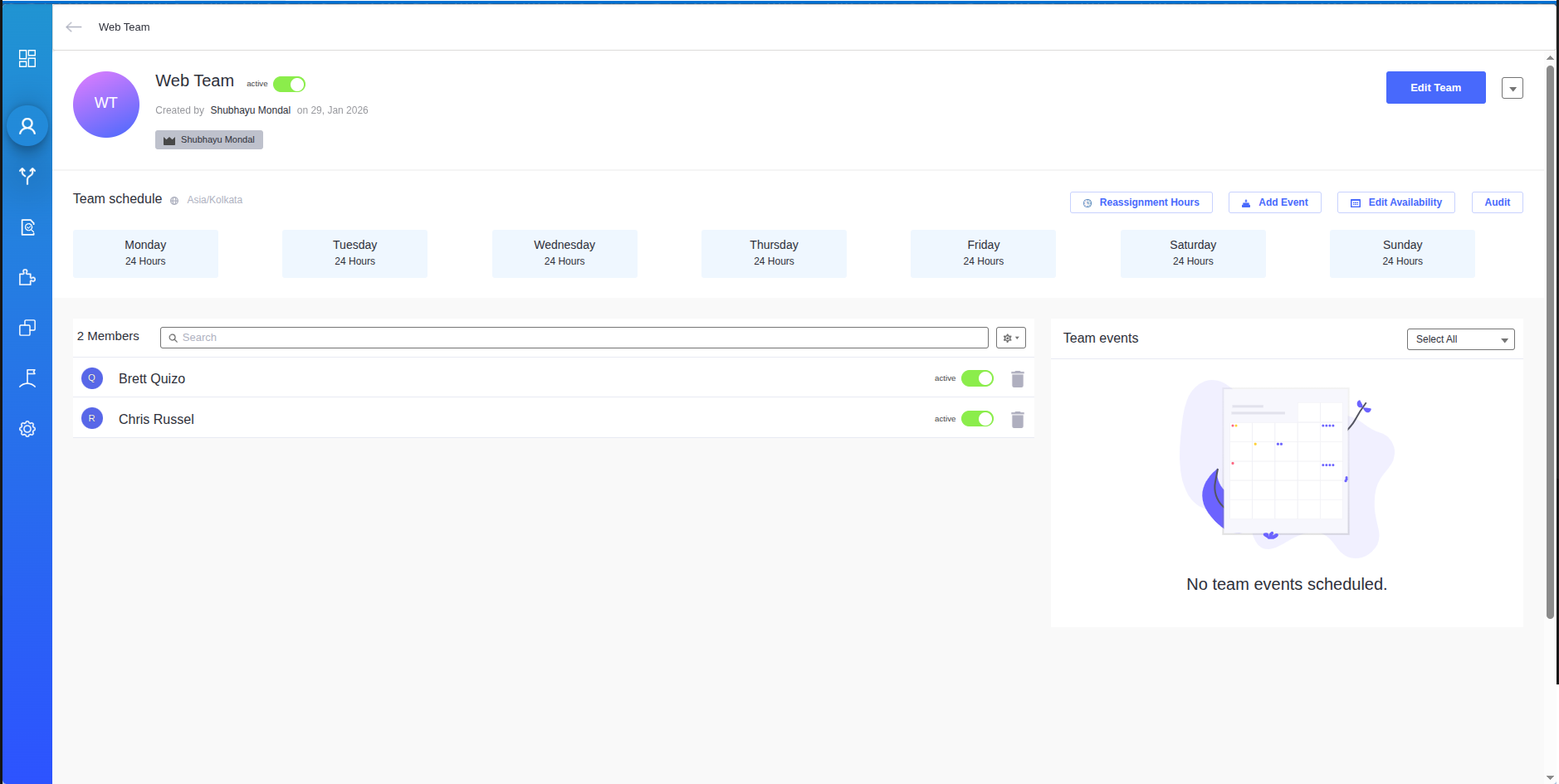
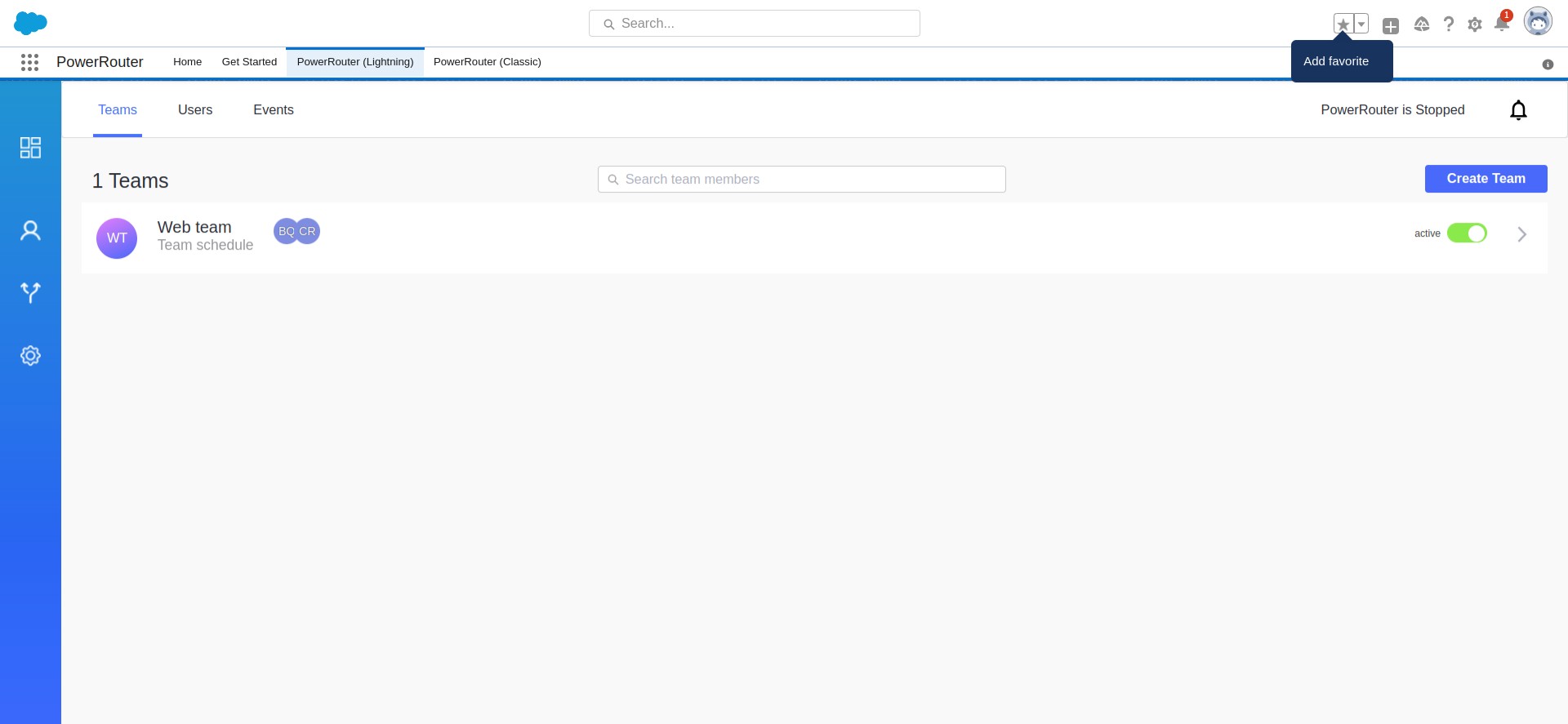
- And, you have created your first team! For the next team click on Create Team and follow the steps.
In the next article , you will understand how to create your first workflow.